



Migrate Spaces Connector 2.x to Connector 3 Click here >>
Auto-onboard your app’s users seamlessly and securely, to Wi-Fi networks, without the need for user interaction. Generate information and engage with them, directly on their devices, through contextual push notifications.
Differentiated experience for loyalty/enterprise app users
Provide seamless and secure Wi-Fi onboarding to loyalty/enterprise app users, and enable differentiated services based on onboarding timing, location, etc.
Value Delivered: Differentiated Wi-Fi experience
Useful to: IT, guest services and sales and marketing teams
Drive contextual engagement and marketing campaigns
Combine identity and location data to create targeted engagements by pushing timely notifications and drive more marketing campaigns
Value Delivered: Increased sample data for insights, enhanced by integrating identity and at-location behavior
Useful to: IT and sales and marketing teams
Drive up app downloads and at-location app usage
Attract more loyalty app users by offering differentiated experiences and auto Wi-Fi onboarding, and improve app users’ stickiness by increasing at-location app usage
Value Delivered: Improved loyalty guest experience and targeted engagement
Useful to: IT, guest services and sales and marketing teams
Address privacy MAC challenges
Identify devices and users based on the loyalty ID instead of the device MAC ID to eliminate potential impacts brought by MAC randomization
Value Delivered: Keep all onboarding & analytics benefits without MAC randomization impact
Useful to: IT, guest services and sales and marketing teams
Please complete the following pre-requisites before integrating Cisco Spaces SDK into your app:
It is recommended that you create a Cisco Spaces services account for the connection to Cisco Spaces via API
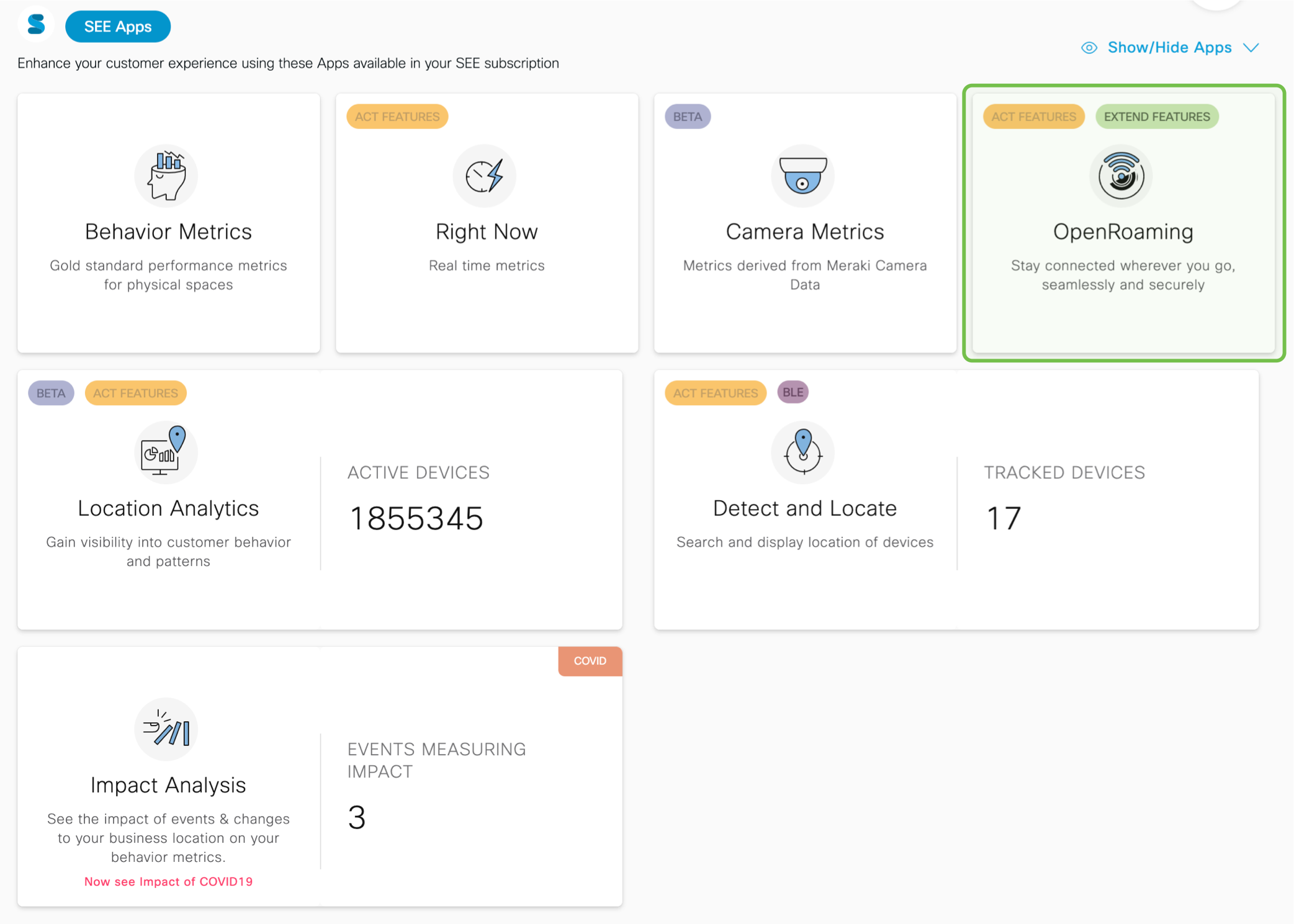
To set up OpenRoaming in Cisco Spaces, click the OpenRoaming tile on the Cisco Spaces dashboard. Start configuring OpenRoaming with the help of our Setup Guide:
https://spaces.cisco.com/setupguide/app-open-roaming/#prerequisites 
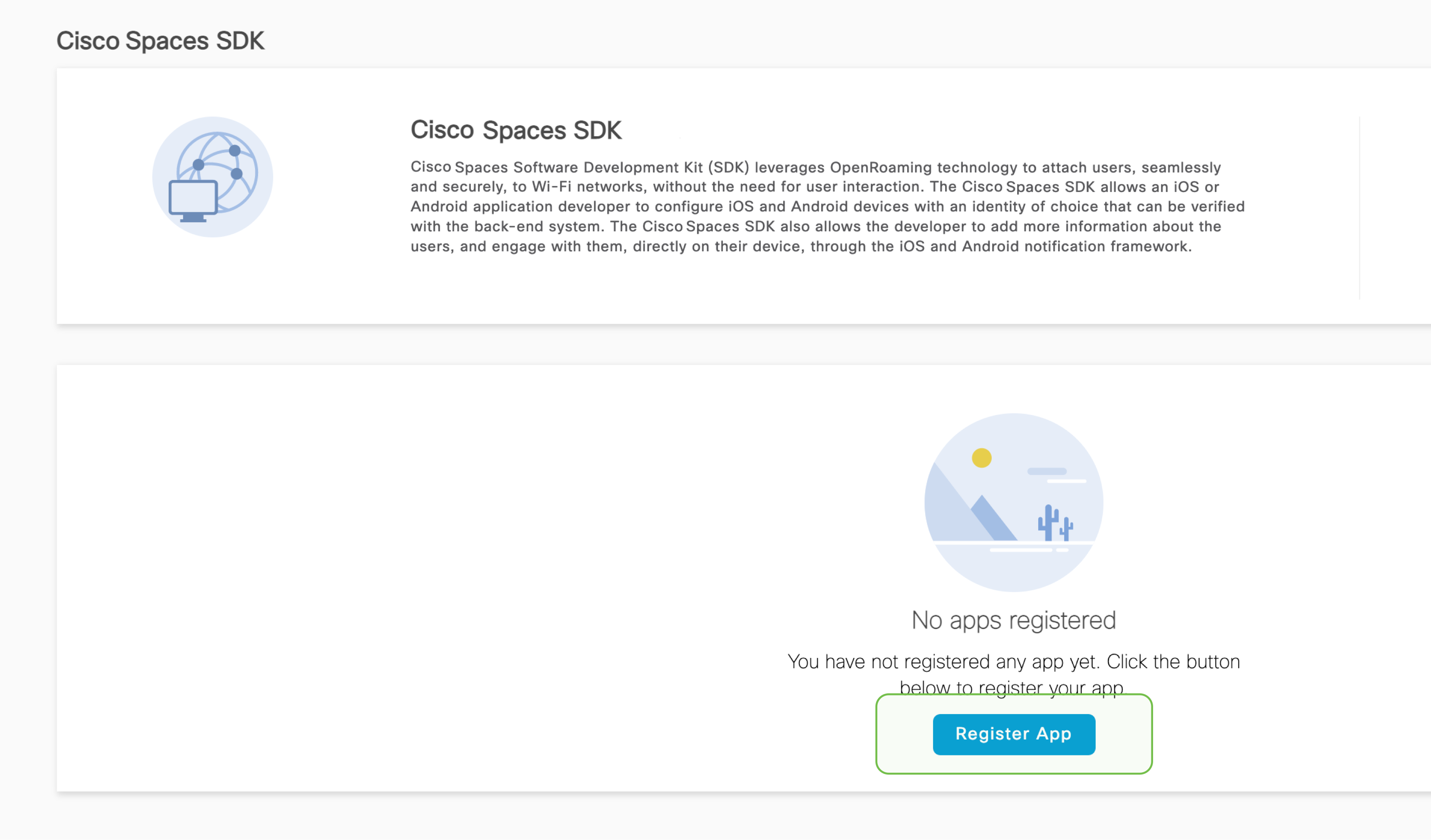
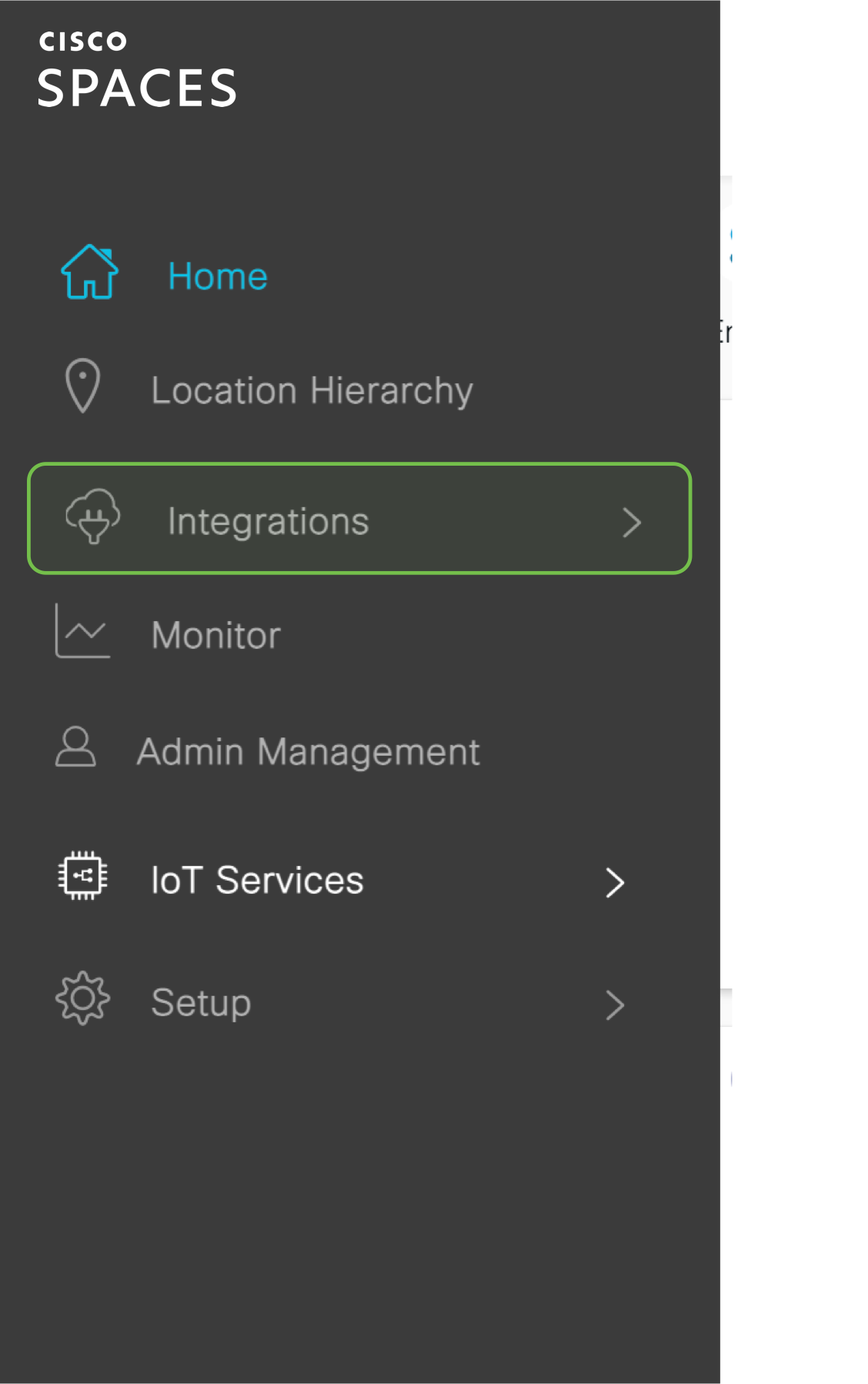
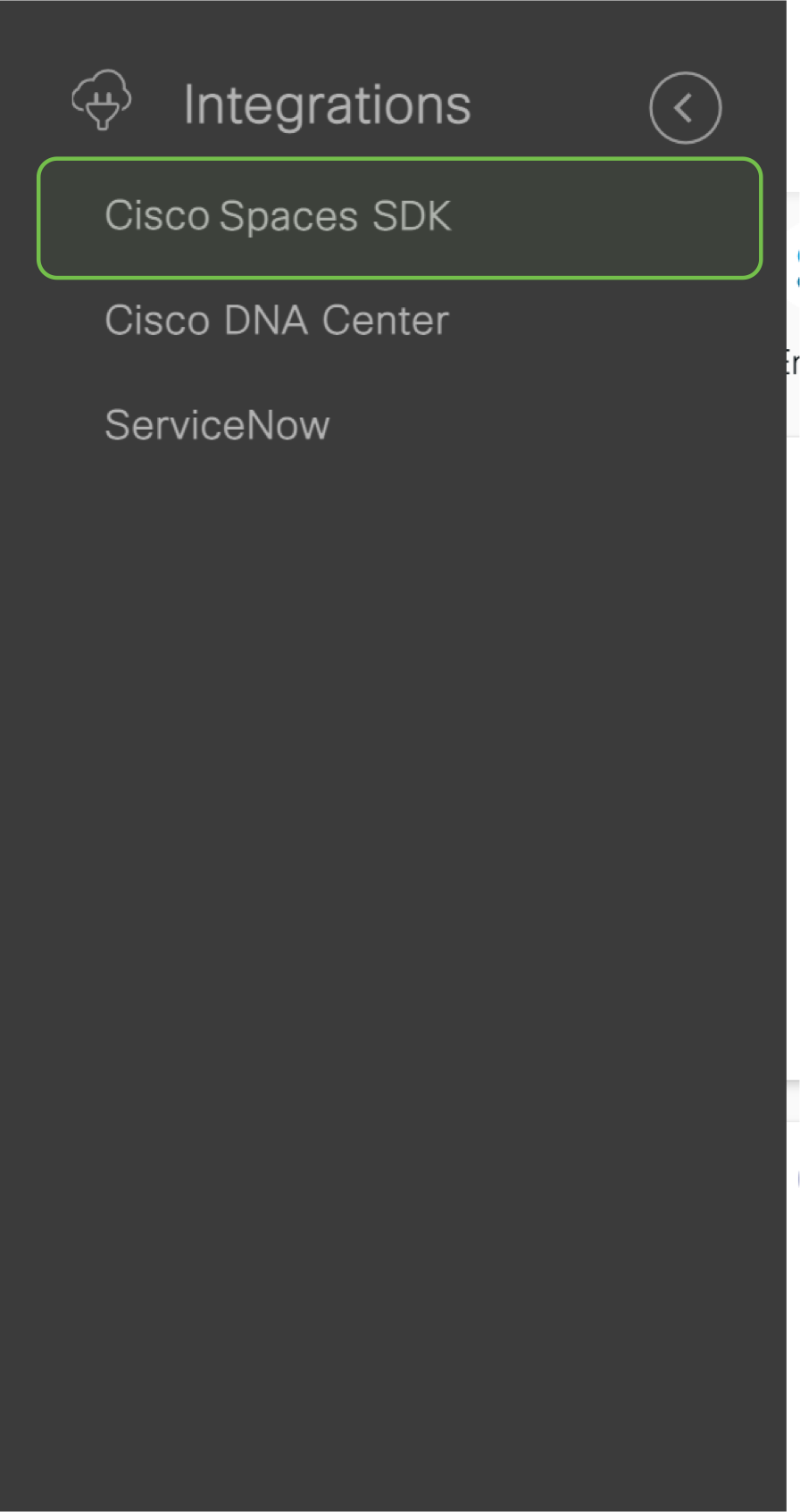
To start registering, enter the ’Cisco Spaces SDK’ module. To do this, click on the Hamburger menu on the top left of the Cisco Spaces dashboard > click integrations > select Cisco Spaces SDK. This brings you to the SDK registration screen, click on the Register App button to start registering.

Please take a moment to check if you’re able to successfully setup the app. Click on ‘yes’ to indicate it’s working. And on ‘Not yet’ if you need any assistance.
hbspt.forms.create({region: "na1",portalId: "5010372",formId: "03149bac-d7b1-44ed-9fcf-f60a9c395b98", onFormSubmit: function (e) {$(".success_tracker_heading").hide();}});