A network planning tool to design next-gen Cisco network deployments for smart spaces outcomes
Planning a new network or refreshing your existing one?
Choose your use cases
Select the smart space use cases you want to enable—now or in the near future.
Tell us about your building
Share details like size, layout, and construction type.
Get your recommendations
Receive tailored recommendations for the required hardware, software licenses, and deployment.
What is a
Smart Space?
A smart space is any building that delivers the next generation of experiences for its occupants and creating meaningful efficiencies for its business.
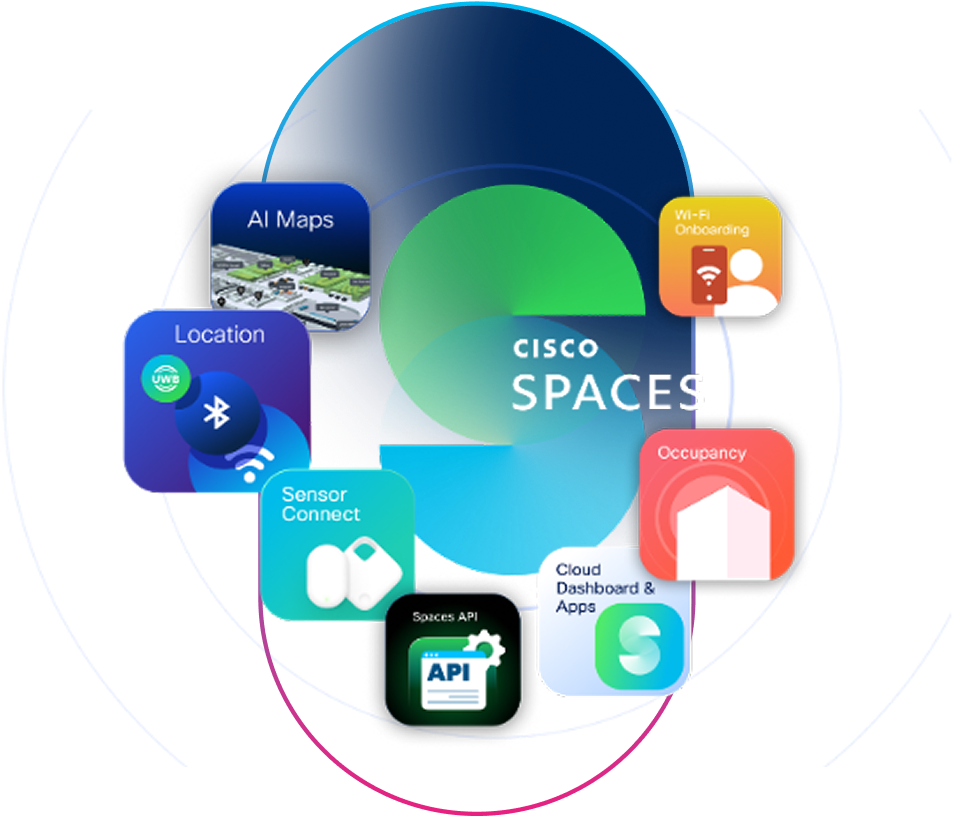
Cisco Spaces transforms all types of buildings into a smart space by leveraging your existing networking and collaboration devices, as the foundation.
Cisco Spaces supports diverse use cases across industries. Thoughtful wireless network design and device placement are essential for scalability and success of these use cases. When choosing use cases for your smart space, consider long-term needs that will future-proof your network for the next 7-10 years.
Indoor Navigation
Cisco Wireless
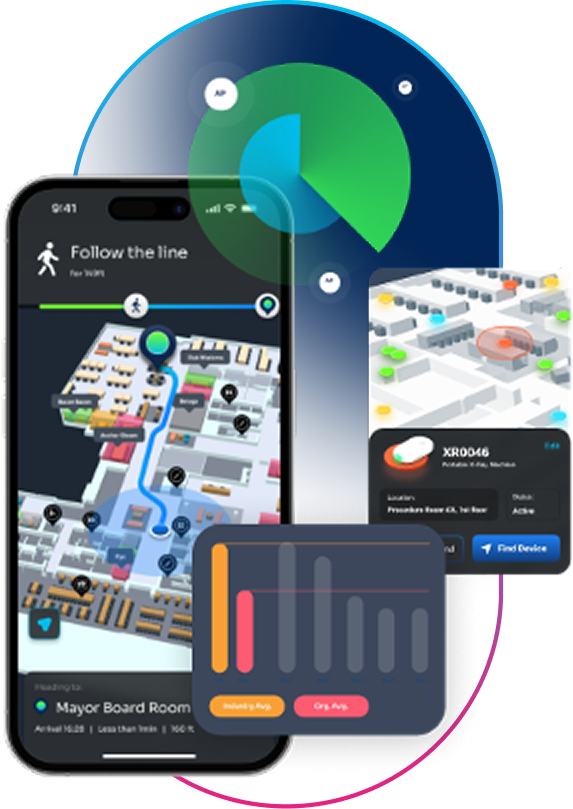
Turn-by-turn directions on 3D maps to help visitors and employees navigate the workplace
Make your campus easy to navigate for visitors and employees with step-by-step directions to workspaces (meeting rooms, desks) and points of interest. Boost productivity and save time with effortless space navigation.
Asset tracking leveraging Ultra wide band (UWB), with location accuracy up to 2 meters.
Asset Tracking UWB
Cisco Wireless
Asset tracking leveraging UWB capable of achieving the highest accuracy*
Asset tracking leveraging Bluetooth Low Energy (BLE), with location accuracy up to 4 meters. Ideal for managing and locating assets within larger spaces
Asset Tracking BLE
Cisco Wireless
Real-time asset tracking to locate and manage high-value assets**
Device Tracking
WiFi Based
Cisco Wireless
Track, locate and manage laptops, tablets, and other critical IT assets
Wi-Fi-based device and client tracking to search for and locate laptops, tablets, AV equipment and other connected devices across large spaces, multiple buildings, and floors. Reduce asset loss and boost IT productivity.
Onboard visitors onto Wi-Fi, capture new customer data, grow your CRM database and drive loyalty program sign ups
Wifi Onboarding
Cisco Wireless
Seamless Wi-Fi onboarding for simplified and secure connectivity
Find, book and sign into a desk for the day from anywhere - from home or on digital signages while you arrive at the office.
Hot Desking
Cisco Collab
Find and book available desks effortlessly
Prioritize employee well-being and enhance energy efficiency with rooms that intelligently adapt to their occupants and environment. Detect occupancy and monitor indoor air quality, automatically adjusting ventilation (VAVs) to maintain optimal comfort and air quality. This ensures a consistent, healthy environment that boosts well-being and productivity. When rooms are unoccupied, air conditioning is optimized to conserve energy and align with ESG goals.
Sustainable Meeting Rooms
Cisco Collab
Smart rooms that automatically adjust air quality based on occupancy
Visualize live meeting room and desk availability, along with points of interest, on interactive 3D floor maps displayed on kiosks. Preview the shortest route to workspaces.
Find spaces/POI on 3D Maps
Cisco Wireless
Cisco Collab
Find available rooms, desks and point of interest on 3D maps on kiosks
For informed decision-making and efficient space management
Occupancy Analytics
Cisco Wireless
Real-time and historical insights into occupancy and space utilization
Personalized Engagements
Cisco Wireless
Proximity notifications to deliver personalized real-time engagement based on location
Notifications and promotions tailored to identity, location, and actions—at entry, throughout the stay, and at exit
Infant Monitoring & Patient Safety
Cisco Wireless
Hospital wide protection of infants and patients
Comprehensive monitoring and tracking of infants and patients across the hospital.
Environmental Monitoring
Cisco Wireless
Track air quality trends and patterns
Track temp, humidity, etc. of medicines, vaccines, blood & lab samples
Panic Buttons
Cisco Wireless
Improve staff safety with panic buttons for instant alerts and enhanced safety in emergencies
Keep staff safe by providing them with panic buttons that notify security in an emergency.
Visitor Behavior Analytics
Cisco Wireless
Understand how people interact with physical spaces
Get a clear picture of visitor behavior across locations. Understand visit duration, frequency and visitor distribution at different times of the day.
Visitor Segmentation
Cisco Wireless
Profile visitors based on at-location behavior
Segment visitor profiles based on at-location behavior to gain deeper insights, deliver personalized experiences, and enhance engagement
*Asset tracking leveraging UWB can provide an accuracy of sub-2m under ideal conditions. Accuracy level may vary based on actual building conditions and AP deployment.
**Asset tracking leveraging BLE can provide an accuracy of 2-5m under ideal conditions. Accuracy level may vary based on actual building conditions and AP deployment.
Smart Spaces BUILDER
Step 2:
Size of
your Space
Sq.ft
Sq.mtrs
Input your building size or select one of the default buildings types
The type of materials and construction type affects the level of location computation accuracy that your network can provide. More obstructions typically will need more access points to achieve the same or similar location accuracy results as environments with less obstructions.
Open Layout
Wide, open spaces for easy flow e.g., retail showrooms, event halls, co-working areas
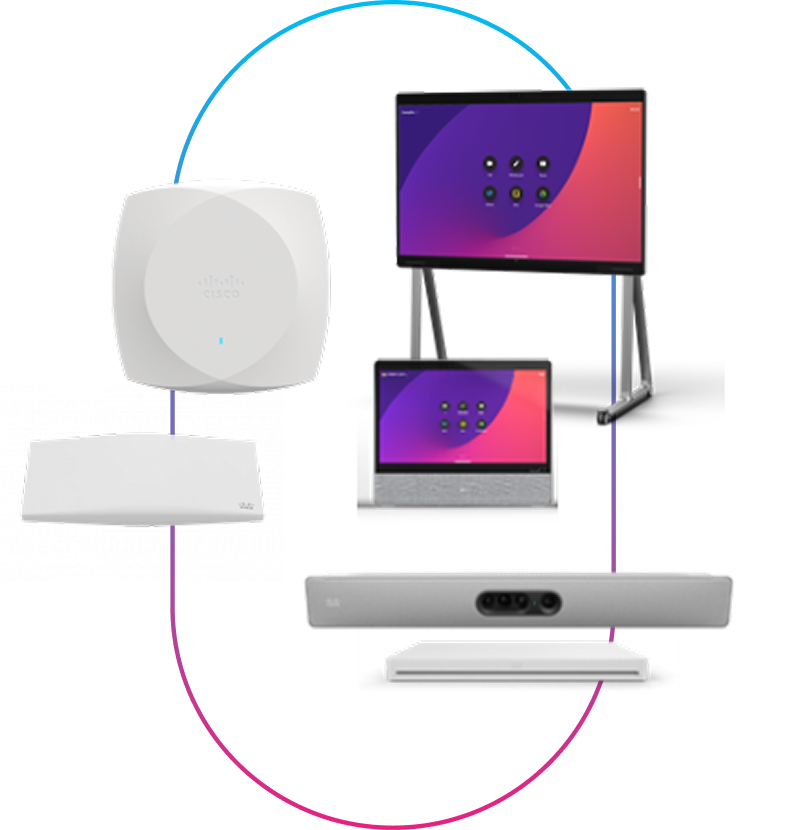
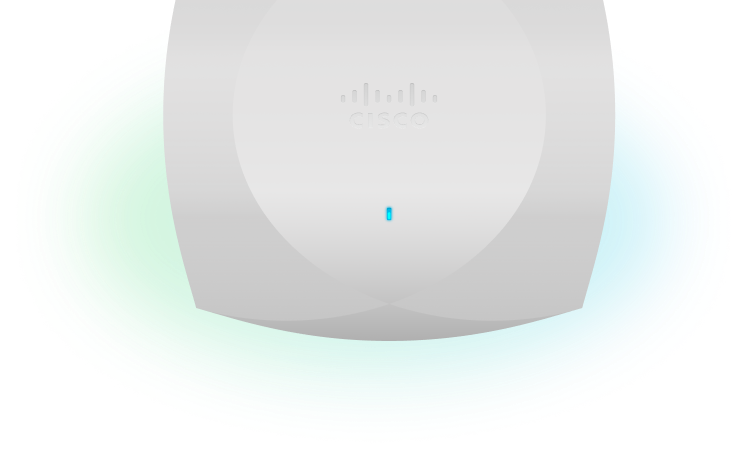
The right hardware forms the foundation of your Smart Spaces stack. Cisco Access Points and Collaboration devices transform into powerful sensors that enable the full range of Smart Spaces use cases. See recommendations below.
A. Recommended Access Points
Based on your selected use cases, these Access Points provide the optimal foundation for your smart spaces stack and help achieve your chosen use cases
Access Point recommendations are based on your chosen use cases.
UWB based use cases are only available on WiFi 7 access points with UWB radios. for more details visit cisco.com
For location based use cases (eg: navigation, asset tracking), WiFi 7 APs with a high or medium density coverage is recommended.
B: Recommended Density
Deploying access points at the right density is critical for the success of your use cases. We’ve tailored the optimal density to your enterprise and selected use cases
with
Recommended Number of APs
-
Recommended Coverage per AP:
-
Guidelines & Industry Best Practices
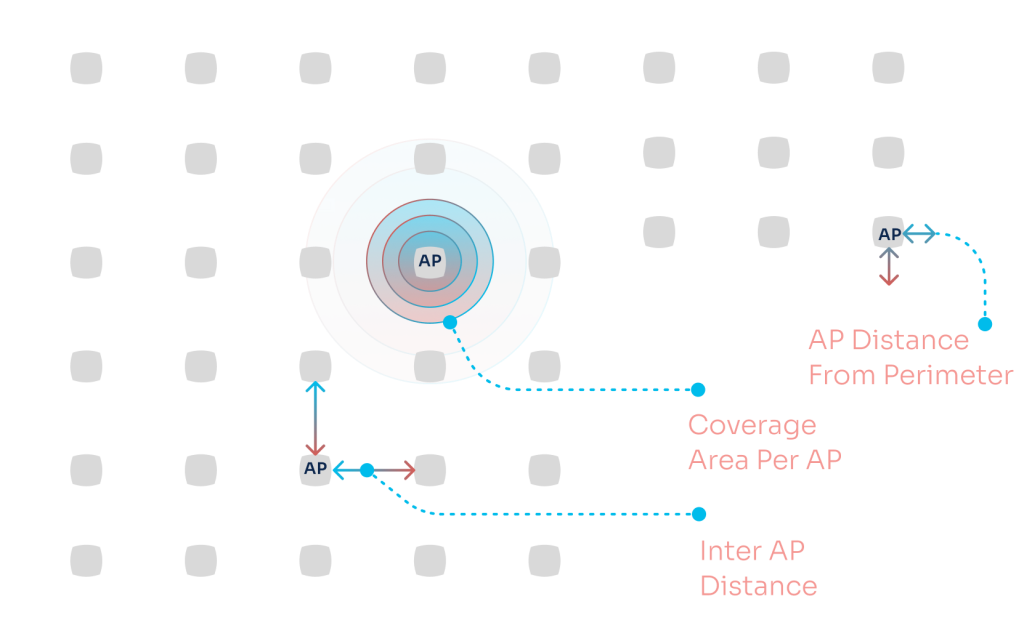
APs should be within 5-10 feet of the perimeter walls
APs should create a convex hull surrounding the devices being located
Inter AP distance will decrease with the need for higher accuracy outcomes (eg: navigation) and with obstructions in the physical environment (eg. walls & partitions)
Total AP density per sq.ft/m increases as inter AP distance decreases as well as with the addition of perimeter APs
INTRODUCING
Design & Deployment Module
An add on package to ensure your network design is validated to deliver Smart Space outcomes.
What’s included?
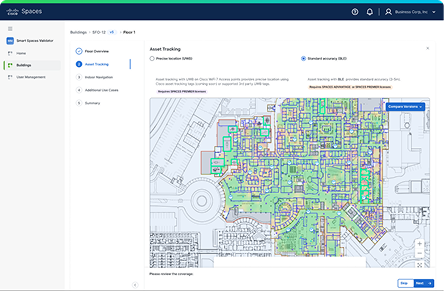
Smart Spaces Validator: helps IT teams validate network designs for smart space usecases like indoor navigation, BLE/UWB asset tracking, and occupancy analytics. It simplifies usecase deployment and ensures infrastructure is scalable, and future-ready as new usecases come up.
You can also request Cisco to review, design, and validate your network directly within the app.
*The recommended number of APs shown are for planning estimates only and may be +/- 5-10% of the number of actual APs from AP placement designs. These recommendations are made based on industry best practices for location designs to meet the desired out comes.
** These are recommendations provided for guidance and planning purposes only. This does not eliminate the need for a wireless network design or a site survey. Pricing estimates only and actual order quantities and configurations may vary based on your enterprise's requirement. This is not a binding offer from Cisco. Final customer pricing is provided from the Cisco Account Team or authorized partners.
**For use cases which are not location dependent can be achieved on WiFi 6 access points with high or medium density but for an optimal experience WiFi 7 APs with a high or medium density coverage is recommended.
Recommended Licenses
Based on your selection, we recommended the below Cisco Spaces licenses and bundles
Recommended License for Software Renewal (For Your Use Cases)
Included in Cisco unified licensing (CW-A) and Meraki licensing (MR-A) and as an add on with DNA-Advantage. Also available stand alone.
Recommended for all software renewals.
The most powerful operating system to turn your buildings into smart spaces
Key Inclusions:
OS components: AI-maps, multi-sensor connect, indoor location, occupancy, Wi-Fi onboarding (Captive Portal, SDK, OpenRoaming), Spaces API & data export, IoT device marketplace & ISV partner app center
Apps: Space Utilization Analytics, Space Manager, Space Explorer, Environmental Analytics, Engagements, IoT Explorer, Detect & Locate, Location Analytics and more
Your organization may already have some Cisco Spaces licenses
Cisco Spaces licenses are already included with Cisco Meraki and Catalyst purchases. Check which licenses your organization has, the outcomes they unlock, and how they compare to your recommended tier.
We’ll use your work email to retrieve license details. A verification code will be sent to continue.
The Cisco Smart Spaces Builder is not available for mobile devices as it is best experienced in desktop view. Please access it using a laptop display or higher.